
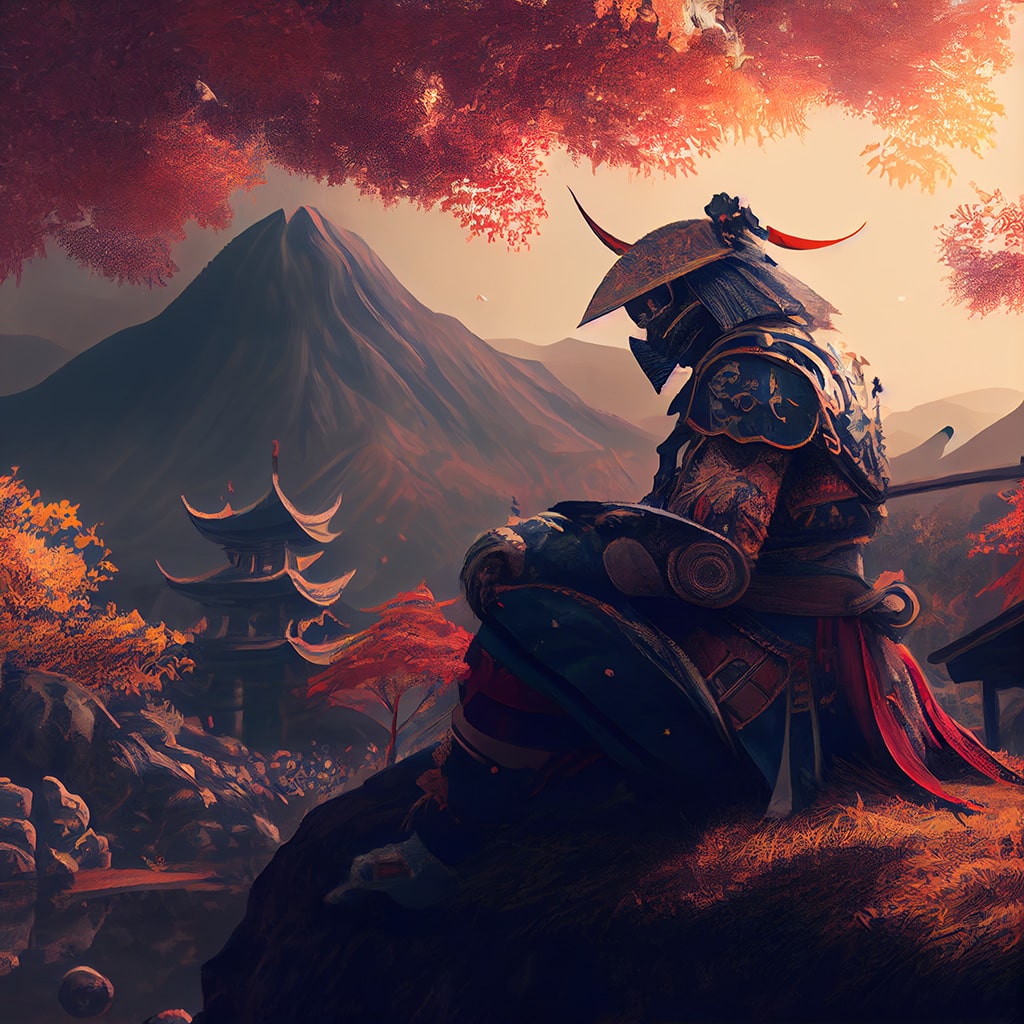
Are you curious about creating images with AI but don’t know where to start? Don’t worry! This guide will walk you through everything you need to know to begin your AI art journey. From picking the right tools to understanding how they work, we’ve got you covered.
Understanding AI Image Generation
Before diving in, let’s quickly explain how AI creates images. These systems use complex algorithms trained on millions of existing images. When you give them a text prompt, they analyze it and generate a new image based on their understanding of your description and their training data.
Essential Tools for AI Image Creation
- Text-to-Image Generators
These are the most popular AI art tools. You simply type a description, and the AI creates an image based on your words.
Recommended apps:
- DALL-E 2: OpenAI’s powerful image generator, known for its accuracy and creativity.
- Midjourney: Produces stunning, often artistic results. Great for conceptual and fantasy art.
- Stable Diffusion: An open-source option that can be run locally on your computer for more control.
- Image-to-Image Tools
These allow you to start with an existing image and modify it using AI.
Recommended apps:
- Adobe Firefly: Integrated into Adobe’s Creative Suite, great for designers.
- Stable Diffusion img2img: Modify existing images with text prompts.
- AI-Assisted Drawing Tools
These combine traditional digital art tools with AI assistance.
Recommended app:
- Krita + Stable Diffusion plugin: Brings AI capabilities to a powerful, free drawing program.
Getting Started: Tips for Success
- Craft Clear Prompts The key to great AI art is writing clear, detailed prompts. Be specific about styles, colors, and composition.
- Experiment with Settings Most AI tools have adjustable parameters like image size, number of generation steps, and guidance scale. Play around to see how they affect your results.
- Iterate and Refine Don’t expect perfection on the first try. Use your initial results as a starting point and refine your prompts.
- Combine Tools For best results, try using multiple AI tools in combination. For example, generate a base image with one tool, then refine it with another.
- Learn About Image Editing Basic photo editing skills can help you polish and combine AI-generated elements.
Ethical Considerations
As you explore AI art creation, keep these points in mind:
- Respect copyright: Avoid using AI to recreate existing artworks or copying specific artists’ styles without permission.
- Be transparent: If you’re using AI-generated images commercially, it’s best to disclose this.
- Understand limitations: AI can produce biased or inappropriate results. Always review outputs carefully.
Expanding Your Skills
Once you’re comfortable with the basics, consider:
- Learning prompt engineering techniques for more precise results.
- Exploring AI-powered 3D modeling tools like NVIDIA’s GET3D.
- Combining AI art with traditional digital art techniques.
Conclusion
Creating images with AI is an exciting and rapidly evolving field. With the tools and tips in this guide, you’re well-equipped to start your AI art journey. Remember, the key is experimentation and practice. Don’t be afraid to try new things and push the boundaries of what’s possible.
So, are you ready to unleash your creativity with AI? Grab your favorite tool, think up an imaginative prompt, and see what amazing visuals you can create!